TV Mount Problems and Fixes: Wobble, Sag and Crooked Screens
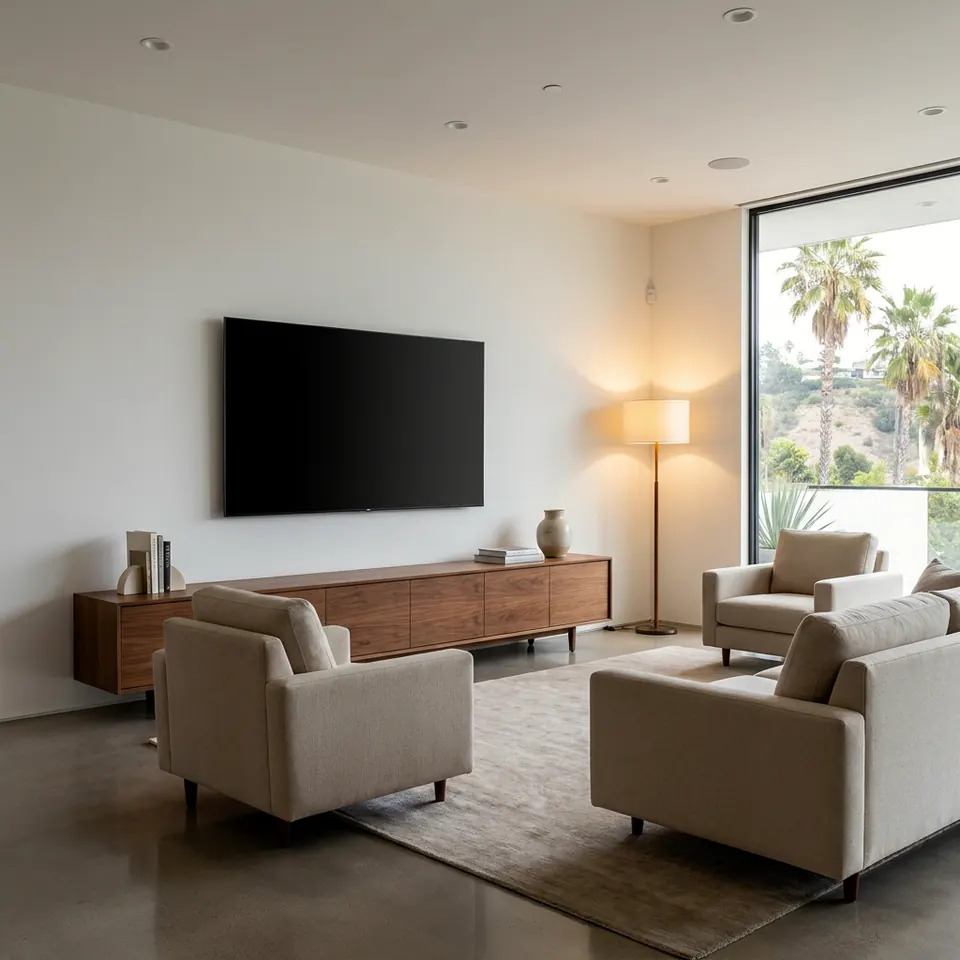
If your TV wall mount is wobbly, the cause is almost always one of three things: loose fasteners, a mount that isn't anchored into solid framing, or an arm and tilt joint that needs tightening. Start by turning the TV off, checking every bolt by hand, and finding out what is behind the wall surface. If the wall itself moves or the screen is drooping, stop adjusting and take the TV down before it falls.
This guide walks through the common problems we see in Los Angeles homes, what you can safely fix yourself, and when it's smarter to bring in help.
Why TV Mounts Wobble, Sag or Tilt
A TV mount is a simple machine, but it carries a heavy, awkward load that sits away from the wall. That leverage puts steady stress on every screw and joint. Over time, small problems become visible ones.
The usual causes:
- Lag screws not in a stud. Drywall alone cannot hold a TV. If a screw only bites into drywall or a thin anchor, the plate will rock.
- Loose lag screws. Wood framing can shift, and a screw that was snug can back out slightly.
- Loose bolts at the TV. The bolts that connect the brackets to the back of the TV can work loose, especially on swivel mounts that get moved often.
- Worn or under-tightened arm joints. Full-motion mounts have pivot points with tension adjustments. If they are too loose, the TV sags or drifts.
- Wall plate not level or not flat. A plate that was mounted on a bumpy or uneven surface can twist under load.
- Wrong mount for the TV. A mount rated below the TV's weight or built for a different VESA pattern will flex and creak.
Los Angeles homes add their own wrinkles: older plaster-and-lath walls, stucco exteriors, metal studs in some condos, and the everyday small vibrations of a seismically active region. None of that makes a mount unsafe by itself, but it does mean the wall type matters.
Quick Safety Check Before You Touch Anything
Before you tighten anything, make sure the situation is stable.
- Look at the wall. Do you see cracks radiating from the plate, a gap between plate and wall, or drywall crumbling around a screw? Those are signs the fasteners are not holding.
- Gently push on the corner of the TV. A little play at a pivot is normal on an articulating arm. Movement at the wall plate itself is not.
- Check the cables. A taut cable pulling on the TV can tilt it out of level.
- Find a helper. Mid-size and large TVs are awkward and easy to drop. Never work alone on a heavy screen.
- Use a stable step stool or ladder. For general ladder safety guidance, see OSHA's ladder resource linked in the sources.
If the plate shifts when you push, take the TV down with a helper before doing anything else. Set it face-up on a soft surface or back in its box padding.
Fixing a Wobbly Wall Plate
When the plate itself moves, the TV is only as secure as what is behind the drywall. This is the most important fix to get right.
Step by step:
- Remove the TV with a helper and set it safely aside.
- Check each lag screw. If any spin freely or pull out easily, they are not in solid wood.
- Use a stud finder to locate the framing, then confirm by looking at where the screws landed. Studs in many homes are spaced 16 inches apart on center, though older houses can vary.
- If screws missed the stud, remove the plate, fill the holes, and re-mount it so the lag screws land in the center of the framing.
- Use the hardware that came with the mount, pre-drill pilot holes, and tighten until snug. Overtightening can strip the wood.
- Re-check level before rehanging the TV.
Do not try to solve a loose plate with longer drywall anchors or by adding more screws into drywall. Anchors are not a substitute for studs on a heavy, cantilevered load.
Plaster, brick, stucco, and metal studs each need different fasteners and methods. If you aren't sure what is behind your wall, that is a good time to pause.

A stud finder and a level are the two tools that solve most wall plate problems.
Fixing Sag, Droop and Drifting Arms
If the TV sits fine at first and then slowly droops or tilts downward, the problem is usually in the arm or tilt joint, not the wall.
What to check:
- Tension screws or bolts at the pivot. Many full-motion mounts have a hex bolt or nut at the swivel and tilt points. A small turn can restore holding force. Make quarter-turn changes and test each time.
- Tilt knobs or locking screws. On tilting mounts, a loose side knob lets the TV nod forward.
- The TV-side bolts. Confirm the bolts are fully seated and the brackets are flat against the back panel.
- Weight rating. Compare the TV's weight against the mount's stated capacity. If you swapped in a larger TV, the old mount may simply be too light.
If the arm joint turns but never holds, the internal parts may be worn. In that case replacing the mount is safer than over-tightening it.
Straightening a Crooked Screen
A TV that looks crooked is usually just a slight rotation on the plate. Most mounts include a small amount of leveling adjustment for this reason.
Try this:
- Place a small level on top of the TV (not on the screen glass).
- Loosen the lock screws on the mount's leveling slots slightly, not fully.
- Nudge the TV until the bubble centers.
- Re-tighten and re-check.
If the wall plate is out of level, adjusting the TV only hides the problem. In that case it's better to loosen the plate, level it, and re-secure it into the studs.
Also check whether the TV is being pulled by cables, a soundbar, or a shelf nearby. Sometimes the mount is fine and something else is nudging the screen.
Small, careful adjustments at the pivot points often fix drift and droop.
Mount Types and Their Common Problems
Different mounts fail in different ways. This table can help narrow down the cause.
| Mount type | Typical problem | Likely fix |
|---|---|---|
| Fixed | Plate loose or screen slightly off level | Re-seat into studs, adjust leveling slots |
| Tilting | Screen nods forward | Tighten tilt knobs or tension bolts |
| Full-motion arm | Droop, drift, or wobble when extended | Adjust pivot tension, check weight rating |
| Ceiling or pole style | Sway or vibration | Check anchoring and overall rigidity |
| Mount on a non-stud wall | Plate rocks or pulls away | Re-mount to proper framing or use suitable solid blocking |
When to Call a Pro
Plenty of mount fixes are reasonable DIY projects: tightening a bolt, leveling a screen, or adjusting arm tension. But some situations are better handled by someone with the tools and experience.
Consider calling for help if:
- The wall plate moves and you don't know what is behind the wall.
- Your wall is plaster, brick, stucco, or has metal studs.
- The TV is large, heavy, or mounted high where a fall would be dangerous.
- Screw holes are stripped or the drywall around them is damaged.
- You need to move the mount to a new location.
- You aren't comfortable lifting the TV safely with a helper.
Hiring a contractor in California comes with its own checklist. The Contractors State License Board offers guidance on how to hire, linked in the sources. Our tv mounting service covers re-mounting, correcting studs and anchors, and hiding cables. If you'd like to describe the problem first, you can send a photo for a written quote.
FAQ
Why is my TV mount wobbly even though it was tight when installed?
Wood framing and fasteners can shift slightly over time, and bolts at pivots can loosen with regular movement. Check the lag screws into the studs first, then the bolts at the TV and arm joints.
Can I fix a wobbly mount with drywall anchors?
Generally no. A TV and mount put leverage on the wall, and drywall alone is not a reliable anchor for that load. Mounts should be fastened into solid framing, or into a properly installed solid backing.
How do I know if my mount can hold my TV?
Look for the weight rating printed on the mount or in its manual, and compare it with the TV's weight in its specs. Also confirm the VESA hole pattern on the back of the TV matches the mount.
Why does my full-motion TV droop when I pull it out?
The pivot joints may be under-tightened or worn. Try adjusting the tension bolts in small steps. If it still won't hold, the mount may need replacing.
Is it okay to leave a wobbly mount for a while?
It's better not to. A loose plate can fail suddenly. If the wall plate moves, take the TV down until it's re-secured.
Sources
- California Contractors State License Board: Hire a Contractor
- OSHA: Ladder safety
- Earthquake Country Alliance: Step 1, secure your space
- Ready.gov: Earthquakes
STATOX Handyman Service · Send a photo · +1 (820) 200-4919
Keep reading
 tv mountingTV Mounting Prep Checklist: What to Do Before We ArriveUse this tv mounting checklist to get your wall, TV, cables, and space ready before your visit, so the install goes smoothly. Read before you book.
 paintingAcrylic vs Oil-Based Paint: Which Fits Your ProjectAcrylic vs oil based paint explained for Los Angeles homes: where each works, how they differ in cleanup, smell, and finish, and how to choose with confidence.
 bathroomBathroom Repair Prep Checklist Before the Handyman VisitUse this bathroom repair prep checklist to clear the space, gather photos, and find your shutoffs so your handyman visit goes smoothly. Read before you book.