TV Mounting Prep Checklist: What to Do Before We Arrive
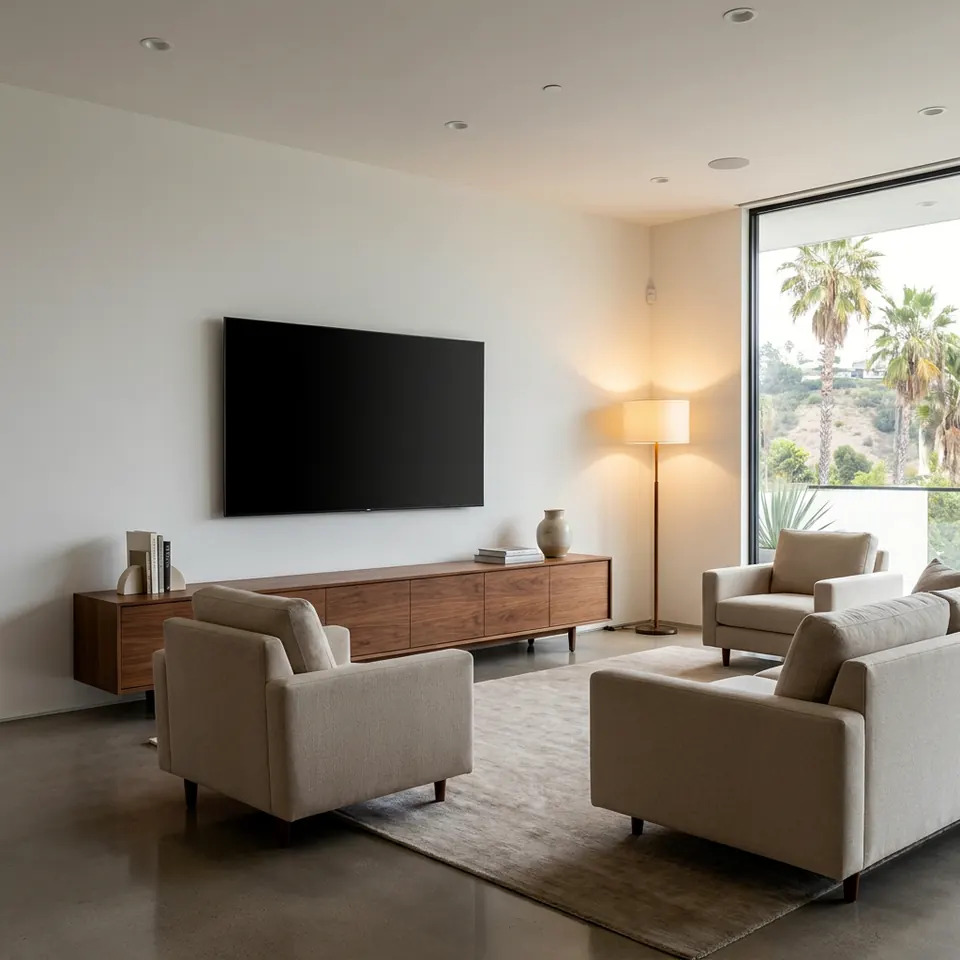
A useful tv mounting checklist is short: know your wall type, pick the TV height, clear the space, gather the TV's manual and hardware, and decide where the cables and devices will go. Do those five things and your installer can spend the visit mounting, not guessing. Here is how to prepare, step by step, for a Los Angeles home.
Start With the Wall: What Is Behind That Spot?
Everything about a TV mount depends on what the wall is made of. Los Angeles homes vary a lot: stucco exteriors, plaster-and-lath in older bungalows, drywall over wood studs in most newer builds, and concrete or masonry in some condos and garages.
Before the visit, jot down what you know:
- Wall type: drywall, plaster, brick, concrete, or tile.
- Which wall: interior or exterior. Exterior walls may have insulation or different framing.
- Known hazards: if you've seen outlets, switches, or plumbing on or near that wall, note where.
- Building rules: if you live in a condo or rental, check whether your HOA or landlord limits drilling or in-wall cable work.
You don't need to find studs yourself. A pro will locate them and check for wiring before drilling. But telling us what you know speeds that up. If you're unsure, a quick photo of the wall helps.
Choose Your Height and Viewing Position
The most common regret after a TV install is a screen set too high. A good starting point is to have the middle of the screen near eye level when you're seated in your usual spot.
Try this simple test:
- Sit where you normally watch.
- Have someone hold a piece of painter's tape or a sheet of paper at the spot where the screen's center should be.
- Check that your neck is relaxed and you're not looking up.
- Mark the top and bottom edges lightly with tape (not pencil on paint).
Above a fireplace is a special case. It looks tidy but usually puts the screen high, and heat and mantel depth matter. If that's your plan, tell us ahead of time so we can talk through viewing angle and a tilting or pull-down style mount.
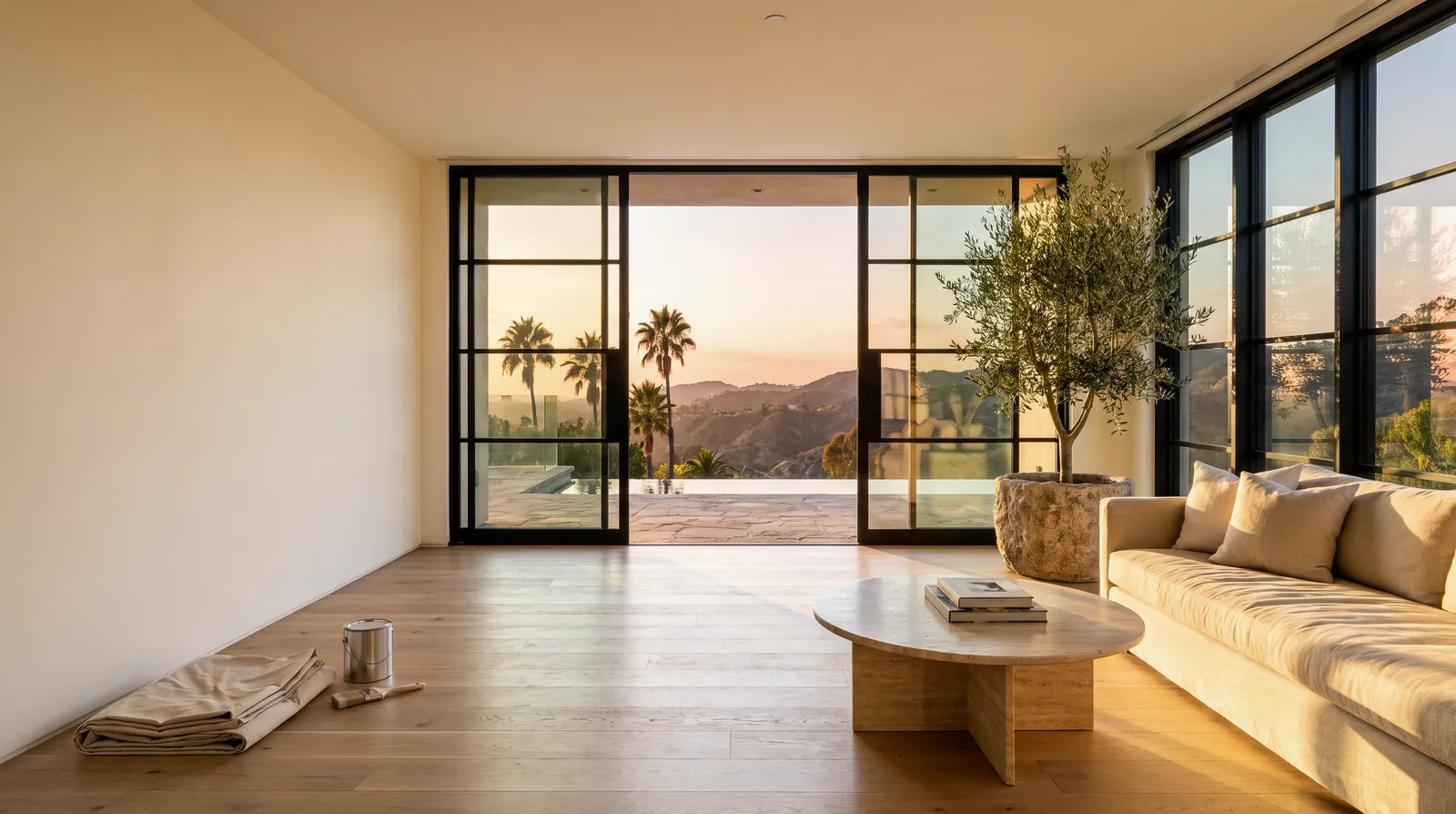
Painter's tape on the wall lets you test the height from your actual seat before anything is drilled.
Pick the Right Mount Type for Your Room
The mount you choose changes the viewing experience and the wall requirements. Here's how the common types compare.
| Mount type | Works well for | Things to consider |
|---|---|---|
| Fixed (flat) | Rooms where you watch straight on | Slimmest look; harder to reach ports after mounting |
| Tilting | Screens mounted a bit high | Angles down to cut glare; small gap behind TV |
| Full-motion (articulating) | Corners, open-plan rooms, wide seating | Needs solid anchoring; extends from wall, so plan clearance |
| Ceiling or pole | Rooms where walls can't hold a TV | Needs structural support; discuss in advance |
Check that the mount's stated weight and size ratings cover your TV, and that the mount's hole pattern (often called VESA) matches the pattern on the back of your set. Both numbers are usually in the TV manual or on the mount's box. If you haven't bought a mount yet, send us the TV model and we can help you choose.
Prep the TV, Hardware, and Devices
Take ten minutes the day before to get the equipment ready. A surprising number of delays come from a missing screw bag or a buried manual.
Equipment checklist:
- [ ] TV out of the box or cleared from its stand, with the stand screws saved
- [ ] TV model number written down (usually on a sticker on the back)
- [ ] Mount and every piece of hardware that came with it
- [ ] Remote and batteries
- [ ] Soundbar, streaming box, game console, or cable box, with their power cords
- [ ] HDMI and other cables you want to use, long enough to reach the planned spot
- [ ] Any wall plates or cable-concealing kits you purchased
If you'd like cables hidden, decide how. Options include an in-wall kit with pass-through plates, or a paintable cover that runs along the wall's surface. In-wall routing means cutting into drywall and needs a clear path, so mention it when you book. Also keep in mind that power cords should run through rated in-wall products meant for that use, not ordinary extension cords.
Clear the Space and Protect Your Home
Make the work area easy to reach and easy to protect.
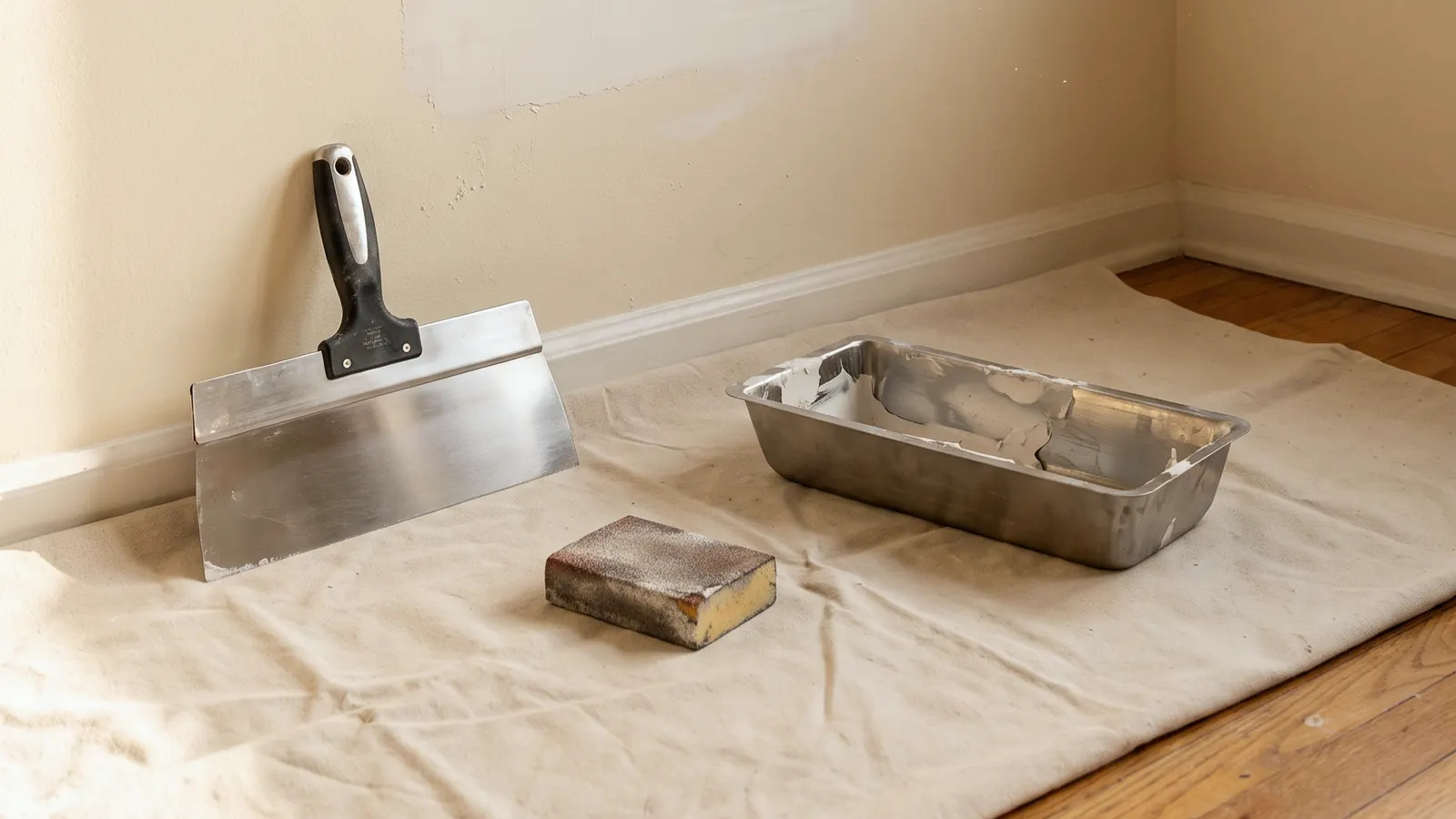
A clear floor, a moved console, and a drop cloth make the work faster and keep dust off your furniture.
Space checklist:
- Move furniture at least a few feet from the wall, including the media console.
- Take down art, shelves, or décor near the mounting area.
- Clear a path from the front door to the room.
- Unplug and set aside small electronics near the wall.
- Secure pets in another room; drilling noise and open doors can stress them.
- Confirm parking or loading access if you live in an apartment building or on a tight street.
- Make sure an adult is home to approve the final position.
Drilling creates fine dust, so cover nearby surfaces if you can. A pro will bring drop cloths and a vacuum, but a clear room helps.
Earthquake-Smart Mounting in Los Angeles
In Southern California, it's worth thinking about shaking. A TV on a wall mount that's anchored into studs generally stays put better than a TV balanced on a dresser, but only if the anchoring is done correctly. Earthquake Country Alliance guidance on securing items at home is a good primer, and Ready.gov covers broader earthquake preparation.
A few habits help:
- Anchor into framing or use hardware rated for the wall material, never drywall alone for a heavy set.
- Keep furniture below the TV stable, too, especially tall units.
- If your set will sit on a stand instead, ask about anti-tip straps.
- Avoid placing seating directly under a heavy wall-mounted screen if there's an alternative.
When to Call a Pro
Mounting a small TV on a solid, known wall with a stud finder can be a reasonable DIY job if you're comfortable with a drill, a level, and lifting. But some situations are better handed off:
- Large or heavy TVs. Lifting and aligning a big screen is a two-person job at minimum.
- Plaster, brick, stucco, tile, or concrete. These need different bits and anchors, and mistakes can crack the surface.
- Above a fireplace. Heat, height, and wiring paths add complications.
- In-wall cable routing. Cutting into walls near electrical or plumbing needs care. Some electrical work, like adding a new outlet, may fall under rules for contractors; the Contractors State License Board has consumer guidance on hiring, and LADBS explains when permits apply.
- Working at height. If you'd need a tall ladder, the OSHA ladder page covers safe use.
- Uncertainty about studs. A hole in the wrong spot is easy to make and annoying to fix.
If any of that sounds like your project, our tv mounting service is built for it. Not sure what you need? You can send a photo for a written quote of the wall and TV, and we'll tell you what we see.
FAQ
Do I need to buy the mount before the visit?
Not always. If you already have one, have it ready with all hardware. If you don't, tell us your TV size and model and room layout, and we can talk through which type fits.
Should I find the studs myself?
It's fine to try, but not required. An installer will confirm stud locations and check for hidden wires or pipes before drilling. Just don't drill test holes in the wall beforehand.
Can you hide the cables?
Often, yes. It depends on the wall, what's inside it, and where your devices will sit. In-wall routing and surface covers are both common. Mention your preference when booking so the right materials are on hand.
Can a TV be mounted on a stucco or brick wall?
Yes, with the right anchors and bits for the material. These walls take more care than drywall, so share a photo and the wall type ahead of time.
What should I do with my old TV stand?
Decide beforehand. You may want it kept for devices below the screen, moved to another room, or set aside for disposal. Clearing it from the work area helps either way.
Sources
- California Contractors State License Board: Hire a Contractor
- Los Angeles Department of Building and Safety: Permits and Inspections
- Earthquake Country Alliance: Step 1, Secure Your Space
- OSHA: Ladder Safety
Safety note: work on electrical panels, gas, structure or anything that needs a permit should be done by a licensed contractor with the required permits.
STATOX Handyman Service · Send a photo · +1 (820) 200-4919
Keep reading
 paintingAcrylic vs Oil-Based Paint: Which Fits Your ProjectAcrylic vs oil based paint explained for Los Angeles homes: where each works, how they differ in cleanup, smell, and finish, and how to choose with confidence.
 bathroomBathroom Repair Prep Checklist Before the Handyman VisitUse this bathroom repair prep checklist to clear the space, gather photos, and find your shutoffs so your handyman visit goes smoothly. Read before you book.
 bathroomBathroom Tile vs Vinyl vs Acrylic Surrounds: ComparedBathroom tile vs vinyl vs acrylic: how each surround handles water, cleaning, and repairs in Los Angeles homes. Read before you choose your material.