TV Mounting: DIY vs. Hiring a Handyman, Honestly Compared
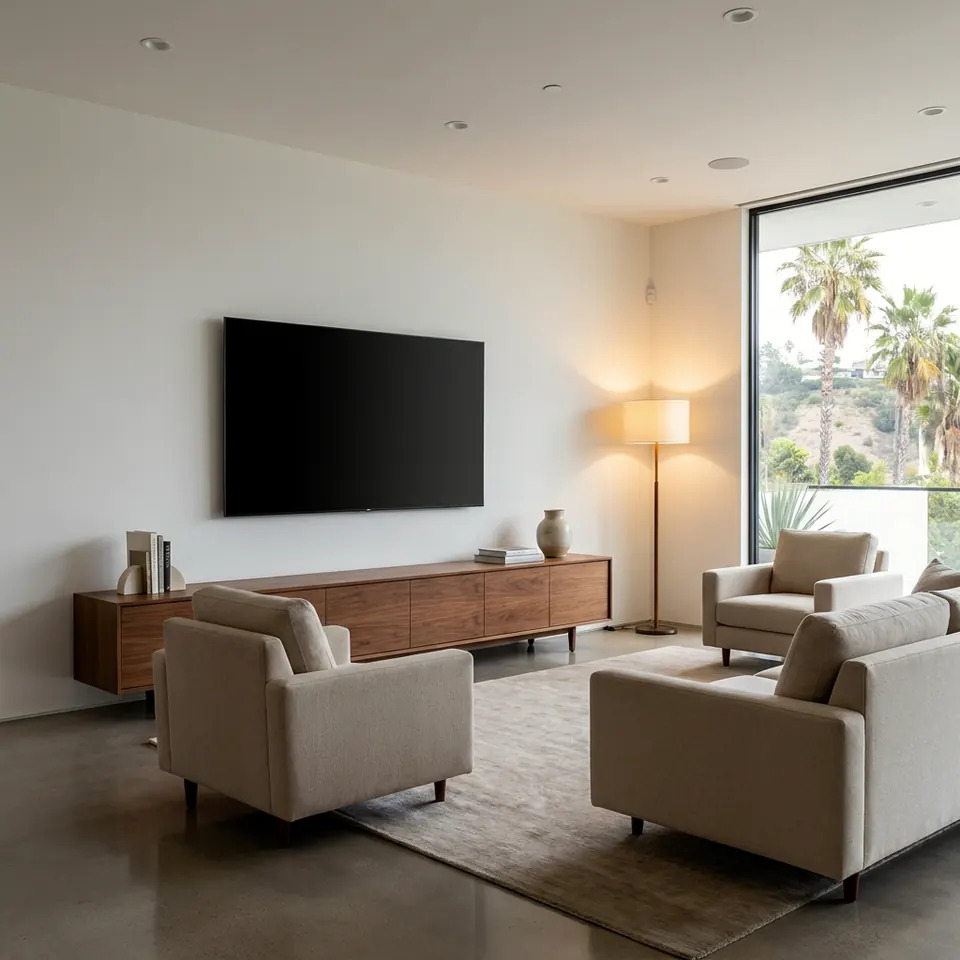
If you're comparing DIY TV mounting vs professional installation, the short answer is this: a small TV on a solid wood-stud wall is a reasonable DIY job if you have the right tools and a helper. Large or heavy TVs, brick, concrete, plaster, metal studs, fireplaces, and in-wall cable routing are where hiring a handyman usually saves you trouble. Here is how to tell which side of the line you're on.
What DIY TV Mounting Really Involves
Mounting a TV looks simple in the box art. In practice it is a chain of small decisions, and a mistake in any link can end with a cracked screen or a hole in the wrong place.
Here is the real sequence:
- Check the TV's VESA pattern (the bolt-hole spacing on the back) and weight, and confirm the mount supports both.
- Find the studs and confirm what is behind the wall surface.
- Mark the height and center so the screen sits at a comfortable eye level when you're seated.
- Drill pilot holes and fasten the wall plate with the correct lag bolts.
- Attach the brackets to the TV, then lift it onto the plate, usually with a second person.
- Level, lock, and manage the cables.
None of it is advanced. But it asks for a stud finder, a drill, a level, a socket set, and steady hands. Most of the risk is in steps 2 and 5.
Where DIY Goes Wrong (and Why It's Costly)
The common failures are predictable.
- Missing the stud. Drywall alone cannot hold a TV. A mount anchored only into drywall can pull out over time.
- Wrong hardware. The screws included with a mount are not always right for your wall. Some TVs also need spacers because of curved or recessed backs.
- Crooked results. A plate that is off by a hair looks obviously tilted once the TV is up. Slotted mounts help, but only if the plate is secured well first.
- Cables dangling. Many people mount the TV, then realize the power and HDMI cords hang down the wall in plain sight.
- Lifting injuries and drops. Modern TVs are thin and awkward. Holding one at arm's length while aligning it to a bracket is when most drops happen.
- Hidden wires and pipes. Drilling or cutting into a wall without knowing what runs inside it can cause real damage.
If you do go DIY, take the ladder seriously too. OSHA's ladder guidance is a good refresher on setup and safe use.
DIY vs. Hiring a Handyman: Side-by-Side
| Factor | DIY | Hire a handyman |
|---|---|---|
| Tools | You supply or buy them | Brought to the job |
| Wall types | Works well with wood studs and standard drywall | Handles plaster, brick, concrete, metal studs |
| Heavy or large TVs | Needs a strong helper and care | Usually a two-person lift with proper gear |
| Cable concealment | Surface raceways are simple; in-wall is harder | In-wall routing is a normal part of the work |
| Leveling and placement | Depends on your patience and tools | Practiced layout and finish |
| Risk of wall damage | You carry it | Handled by someone who does this regularly |
| Your time | Often a few hours with prep and cleanup | Mostly hands-off |
| Ideal for | Small TVs, simple walls, comfortable DIYers | Large TVs, tricky walls, tidy finishes |
Los Angeles Wall Realities to Check First
Homes here vary a lot, and the wall decides much of the plan.
- Older plaster and lath. Common in pre-war bungalows and Spanish-style homes. Studs are harder to locate, and plaster can crack if drilled carelessly.
- Stucco exteriors and patios. Mounting outdoors needs the right fasteners and weather-appropriate hardware and sealing.
- Brick and concrete. Often found at fireplaces and in some condos. These need masonry bits and anchors, not wood-stud hardware.
- Condo and apartment walls. Some use metal studs or have shared-wall limits. Check your building rules and lease before drilling.
- Fireplace mounting. Heat and height are both concerns. A TV above a working fireplace can end up too high and too warm, so consider this before committing.
Because we live in earthquake country, it also makes sense to think about securing heavy items. Earthquake Country Alliance and Ready.gov both publish guidance on securing your space for shaking, and a firmly anchored mount into studs is part of that thinking.
Marking studs and checking level before a single hole is drilled is the step that matters most.
Cables, Outlets, and the Finished Look
The mount holds the TV. The cables decide whether the room looks finished.
You have three common options:
- Surface cord cover. A paintable channel that runs from the TV down the wall. Easy for DIY and renter-friendly.
- In-wall cable routing. Cords pass through the wall to a lower opening. It looks clean, but it means cutting into drywall and checking what is inside the wall cavity.
- Recessed outlet and cable plate. A neat finish behind the TV, but it involves electrical considerations.
Be careful here. Running a standard power cord inside a wall is not the same as using products made for that purpose, and electrical work has rules. If your plan involves new outlets or wiring, that is outside basic mounting. In California, the CSLB's consumer pages are a useful place to learn what to ask before hiring anyone for work beyond a simple mount.
A clean cable path is often what separates a "mounted" TV from a "finished" one.
When to Call a Pro
Be honest with yourself. DIY is a good fit when the TV is small, the wall is standard drywall over wood studs, you have a helper, and you're fine with a visible cord cover.
Hiring a handyman makes more sense when:
- The TV is large, heavy, or expensive to replace.
- The wall is brick, concrete, plaster, tile, or metal-stud.
- You want cables hidden inside the wall.
- You are mounting above a fireplace or on a stucco patio.
- You're working at a height that needs a taller ladder.
- You want the result level and centered on the first try.
- You'd rather not risk a drop or a patched wall.
If you're unsure, you can send a photo for a written quote and see what the job looks like before deciding. You can also read about our tv mounting service to see what's typically included.
Before you hire anyone, the CSLB's guide to hiring a contractor is worth a read. It covers what to ask, what to put in writing, and how to check a contractor's status in California.
Quick Pre-Mount Checklist
Whichever way you go, run through this list:
- [ ] TV weight and VESA pattern written down
- [ ] Mount rated for that weight and size
- [ ] Wall type identified (drywall, plaster, brick, concrete)
- [ ] Studs located and marked
- [ ] Viewing height decided while seated
- [ ] Cable plan chosen
- [ ] Power outlet location confirmed
- [ ] A second person available for the lift
- [ ] Building or lease rules checked if you rent or own a condo
FAQ
Can I mount a TV on drywall without a stud?
Drywall by itself is not strong enough for a TV. You should anchor into studs. Specialty anchors exist for some situations, but they depend on the product's rating and the wall, so follow the mount maker's instructions.
Is it okay to hide TV cables inside the wall myself?
Low-voltage cables like HDMI can be routed in-wall with the right tools and care. Power is different. Use products made for in-wall use and avoid improvised wiring. New outlets or wiring are separate electrical work.
What height should my TV be?
Most people aim for the center of the screen near eye level when seated. Mounting too high is a common mistake, especially above fireplaces. Tilting mounts can help, but lower is usually more comfortable.
Do I need a permit to mount a TV?
A simple wall mount typically doesn't. Work that adds wiring or changes the home's structure may be different. You can check the LADBS permits and inspections page if your plans go beyond a basic mount.
Can a handyman mount a TV on brick or a fireplace?
Yes, that's a common job. Masonry needs the right bits and anchors, and a fireplace calls for attention to heat and height. Describe your wall when you ask for a quote so the plan fits.
Sources
- CSLB: Hire a Contractor
- LADBS: Permits and Inspections
- Earthquake Country Alliance: Step 1
- OSHA: Ladders
Safety note: work on electrical panels, gas, structure or anything that needs a permit should be done by a licensed contractor with the required permits.
STATOX Handyman Service · Send a photo · +1 (820) 200-4919
Keep reading
 tv mountingTV Mount Problems and Fixes: Wobble, Sag and Crooked ScreensNeed a tv wall mount wobbly fix? Learn why mounts wobble, sag or hang crooked, what to check first, and which repairs are safe to try yourself.
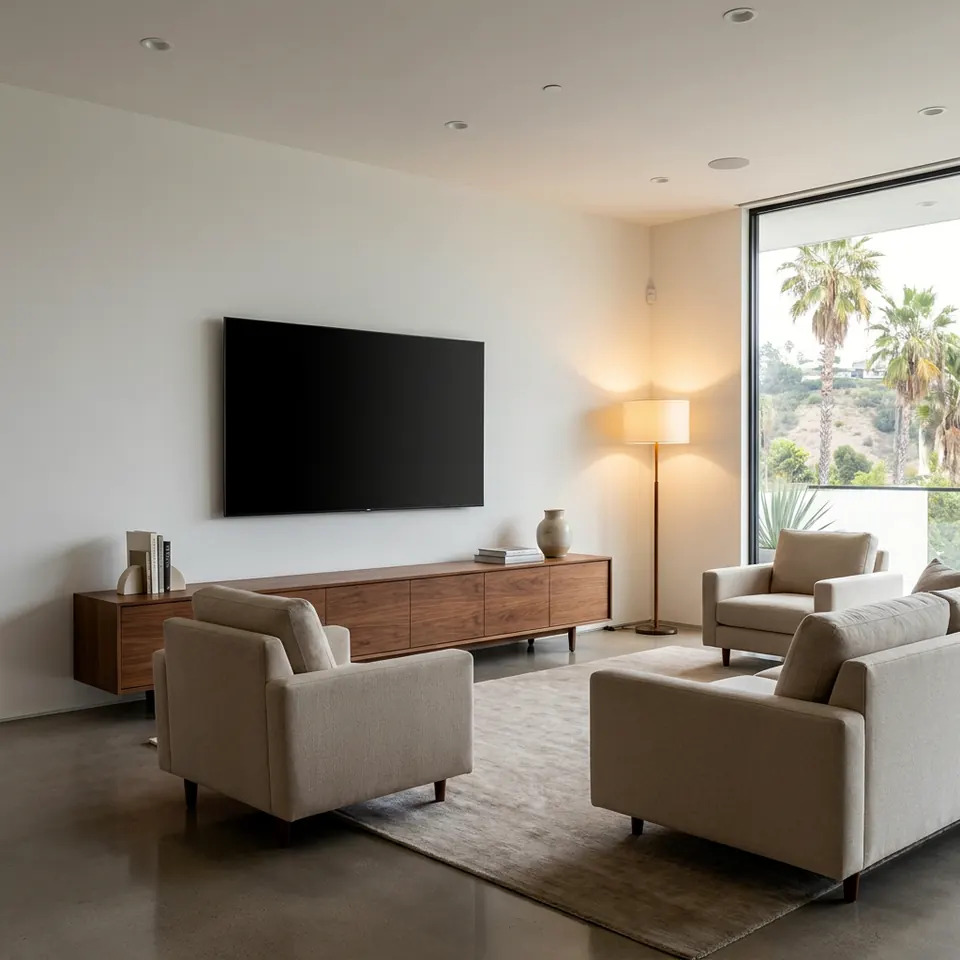 tv mountingTV Mounting Prep Checklist: What to Do Before We ArriveUse this tv mounting checklist to get your wall, TV, cables, and space ready before your visit, so the install goes smoothly. Read before you book.
 paintingAcrylic vs Oil-Based Paint: Which Fits Your ProjectAcrylic vs oil based paint explained for Los Angeles homes: where each works, how they differ in cleanup, smell, and finish, and how to choose with confidence.