How to Choose a TV Wall Mount: Fixed, Tilt or Full-Motion
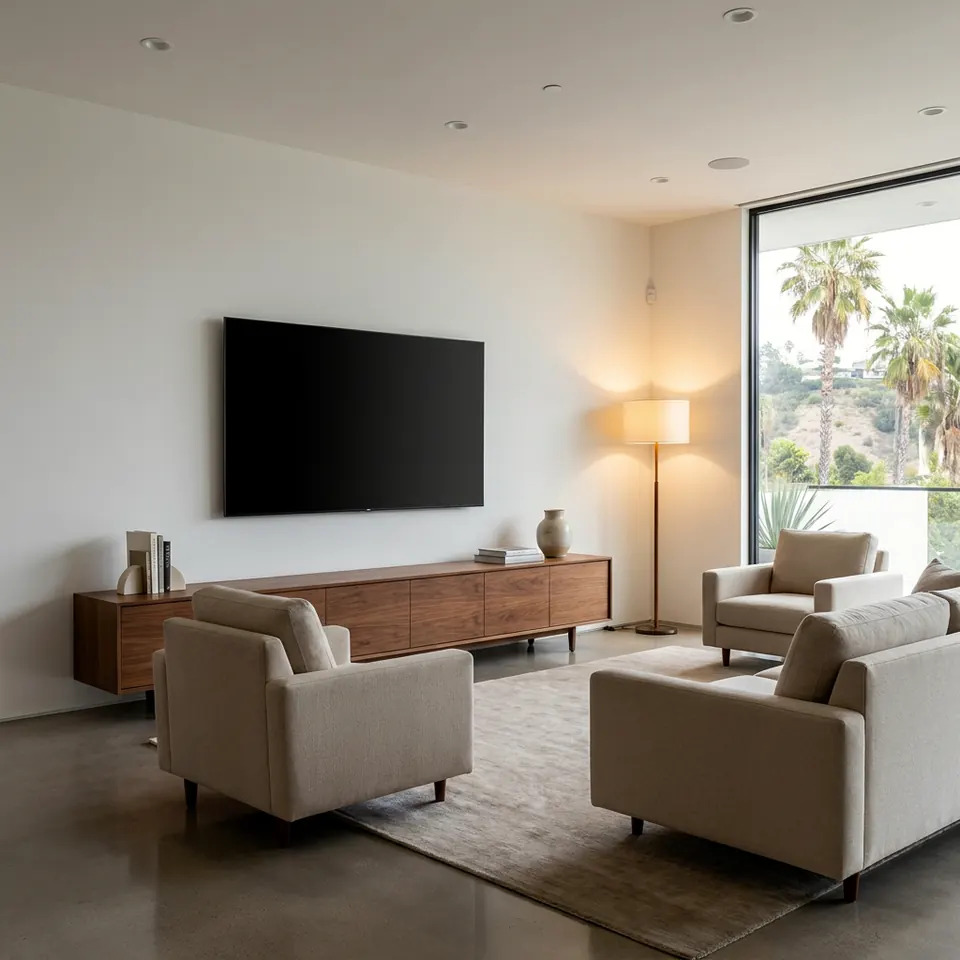
If you want to know how to choose a TV wall mount, start with where you sit and what is behind the wall. A fixed mount suits a TV at eye level, a tilt mount helps when the screen sits higher, and a full-motion mount makes sense when you watch from several spots or the wall has a corner or awkward angle. Then match the mount to your TV's size, weight and VESA pattern.
The three mount types in plain language
Fixed mounts hold the TV flat against the wall, close to it. They are the slimmest and simplest option, with no moving parts to loosen over time.
Tilt mounts look similar but let you angle the screen up or down a few degrees. That is handy when the TV hangs above eye level, or when glare from a window hits the screen.
Full-motion mounts (also called articulating or swivel mounts) use an arm that extends, swivels and tilts. You can pull the TV out, turn it toward the sofa, or fold it flat again.
Each one trades something. Simpler mounts are slimmer and steadier. Flexible mounts give you more viewing angles but sit farther from the wall and need more careful installation.
Fixed vs. tilt vs. full-motion at a glance
| Feature | Fixed | Tilt | Full-motion |
|---|---|---|---|
| Profile against wall | Slimmest | Slim | Deepest |
| Screen adjustment | None | Up and down | Swivel, extend, tilt |
| Suits | Eye-level TVs, one seating spot | TVs mounted a bit high, glare | Open rooms, corners, multiple seats |
| Cable access behind TV | Limited | Better | Easiest |
| Installation complexity | Simplest | Simple | More involved |
| Things to watch | Hard to reach ports later | Not much side-to-side help | Needs strong anchoring and a wall that can take the leverage |
Match the mount to your room
Think about how you actually watch TV, not just how the room looks in a photo.
- One main seating spot, TV at eye level: a fixed mount is usually enough.
- TV above a fireplace or high on the wall: a tilt mount helps aim the screen down toward you. Also consider heat and viewing height before choosing the spot.
- Bedroom where you watch lying down or from the side: full-motion lets you angle the screen to the bed.
- Open-plan living and kitchen area: full-motion helps you turn the screen toward the couch, the dining table or the kitchen.
- Corner placement: a full-motion mount with a long enough arm is the practical choice.
- Sunny rooms common in Los Angeles homes: a tilt or swivel mount can help you reduce glare from afternoon light through big windows or sliding doors.
A good rule: the center of the screen should land near eye level when you are seated. Sit on your sofa, look straight ahead, and have someone mark that height with painter's tape before you commit.
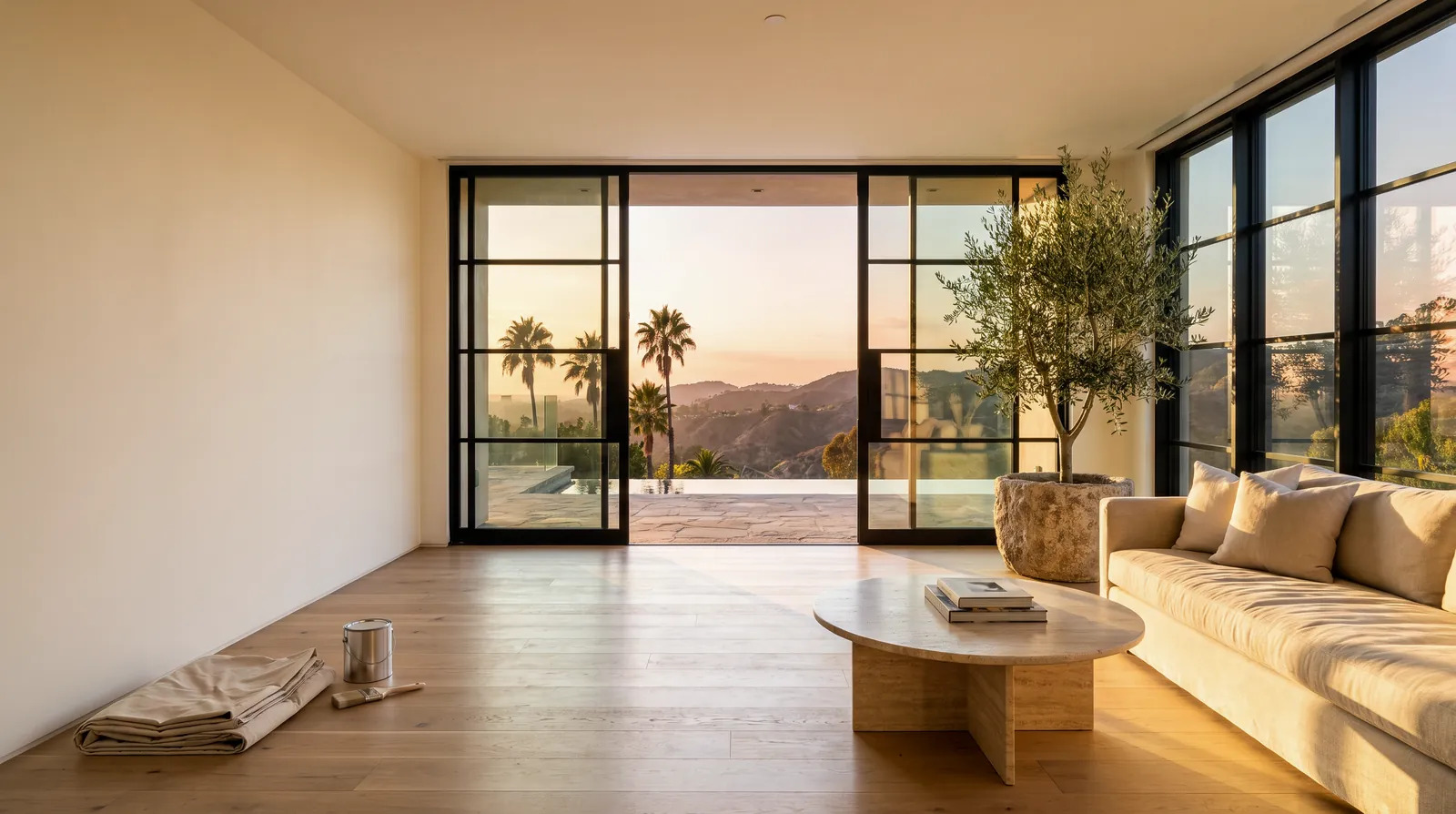
Marking the eye-level center point from the sofa makes the mount choice much clearer.
Check your TV's specs before you buy
Every mount has limits. Before you order, look up these details in your TV's manual or on the manufacturer's page:
- Weight: the mount must be rated for at least your TV's weight. Leave a margin rather than buying right at the limit.
- Screen size range: mounts list the sizes they are designed for.
- VESA pattern: this is the spacing of the four mounting holes on the back of the TV, listed in millimeters, such as 200 x 200. The mount must support your pattern.
- Back-panel shape: some TVs have curved or recessed backs and need spacers.
- Port location: make sure plugs, especially angled HDMI connectors, will still fit once the TV sits close to the wall.
Full-motion mounts put more leverage on the wall when the arm is extended. A heavier, larger TV on a long arm asks more of the anchors and studs than the same TV on a flat fixed mount.
Know your wall before you decide
The wall matters as much as the mount. Many Los Angeles homes have wood-stud walls with drywall or older plaster, while condos and apartments may have metal studs or concrete. Each calls for different hardware.
Things to figure out:
- Where the studs are, and whether they line up with the position you want.
- What the wall is made of: drywall over wood, metal studs, plaster, brick or concrete.
- What is inside: electrical wiring, plumbing or low-voltage lines can run through walls, so be careful before drilling.
- Whether you want cables hidden inside the wall, which brings its own rules and considerations.
Drywall alone does not hold a TV. The mount should be secured into solid framing or with anchors designed for the wall type. Because we live in earthquake country, it is also worth reading the preparation guidance at Earthquake Country Alliance and thinking about how securely your furniture and electronics are held.
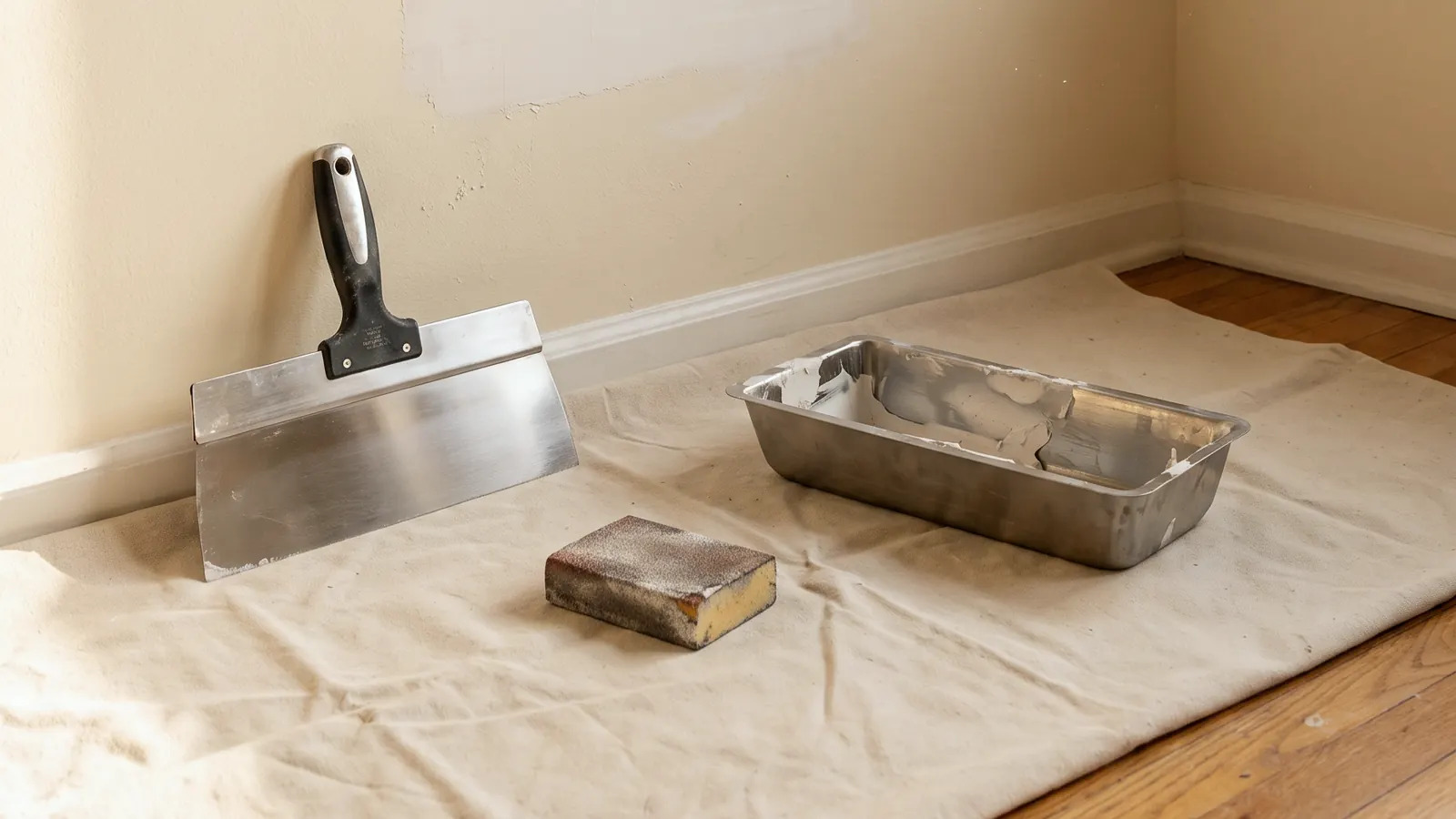
Locating studs and confirming the wall type comes before any hole is drilled.
Quick decision checklist
Run through this before you buy:
- [ ] I know my TV's weight, size and VESA pattern.
- [ ] I marked the ideal screen height from my seating position.
- [ ] I know whether I watch from one spot or many.
- [ ] I checked for window glare at different times of day.
- [ ] I found the studs and know the wall type.
- [ ] I have a plan for power and cables.
- [ ] I chose a mount rated comfortably above my TV's weight.
- [ ] I have a helper for lifting, since TVs are awkward and easy to damage.
If most boxes are checked and the answer is "one seat, eye level," go fixed. If glare or height is the issue, go tilt. If you need flexibility, go full-motion.
When to call a pro
Mounting a small, lightweight TV on a wall with easy-to-find studs is a reasonable DIY project if you have the right tools, a level, and a second person.
Hiring help makes more sense when:
- The TV is large or heavy.
- You are installing a full-motion mount with a long arm.
- The wall is plaster, brick, concrete or metal stud.
- You want wires concealed inside the wall.
- The TV goes above a fireplace or in a hard-to-reach spot.
- You are unsure what is behind the wall.
- You would be working on a ladder for a long time. See OSHA's ladder safety guidance.
If you are weighing it up, our tv mounting service page explains how we approach installs. You can also send a photo for a written quote showing your wall, TV and the spot you have in mind.
FAQ
Is a full-motion mount always the better choice?
No. It is more flexible, but it sits farther from the wall, is more involved to install, and puts more leverage on the anchors. If you watch from one spot, a fixed or tilt mount is often cleaner and simpler.
Can I mount a TV above a fireplace?
Often yes, but check for heat, viewing height and wall construction first. A tilt or full-motion mount can help with the viewing angle when the screen sits high.
What does VESA mean?
VESA is a standard for the hole pattern on the back of a TV, measured in millimeters. The mount you choose must support your TV's pattern.
Do I need to hit a stud?
In most wood-frame walls, yes. Studs give the strongest hold. If studs do not line up with your layout, special mounting solutions for the wall type may be needed.
Can I hide the cables?
Yes, in many cases. Cable covers on the wall surface are the simplest approach. In-wall routing requires care around wiring and building rules, so a pro is often the safer path.
Sources
- California Contractors State License Board: Hire a Contractor
- Earthquake Country Alliance: Step 1
- OSHA: Ladder Safety
STATOX Handyman Service · Send a photo · +1 (820) 200-4919
Keep reading
 tv mountingEarthquake Prep for TVs in Los Angeles Homes and CondosLearn earthquake safe tv mounting in Los Angeles: wall mounts, stand straps, and condo tips to keep your screen secure. Read before the next shake.
 tv mountingTV Mount Problems and Fixes: Wobble, Sag and Crooked ScreensNeed a tv wall mount wobbly fix? Learn why mounts wobble, sag or hang crooked, what to check first, and which repairs are safe to try yourself.
 tv mountingTV Mounting: DIY vs. Hiring a Handyman, Honestly ComparedWeighing diy tv mounting vs professional installation in Los Angeles? See what each route really involves, where DIY goes wrong, and how to choose wisely.