TV Mounting in Bel-Air: Hillside Homes, Media Rooms and Stone Walls
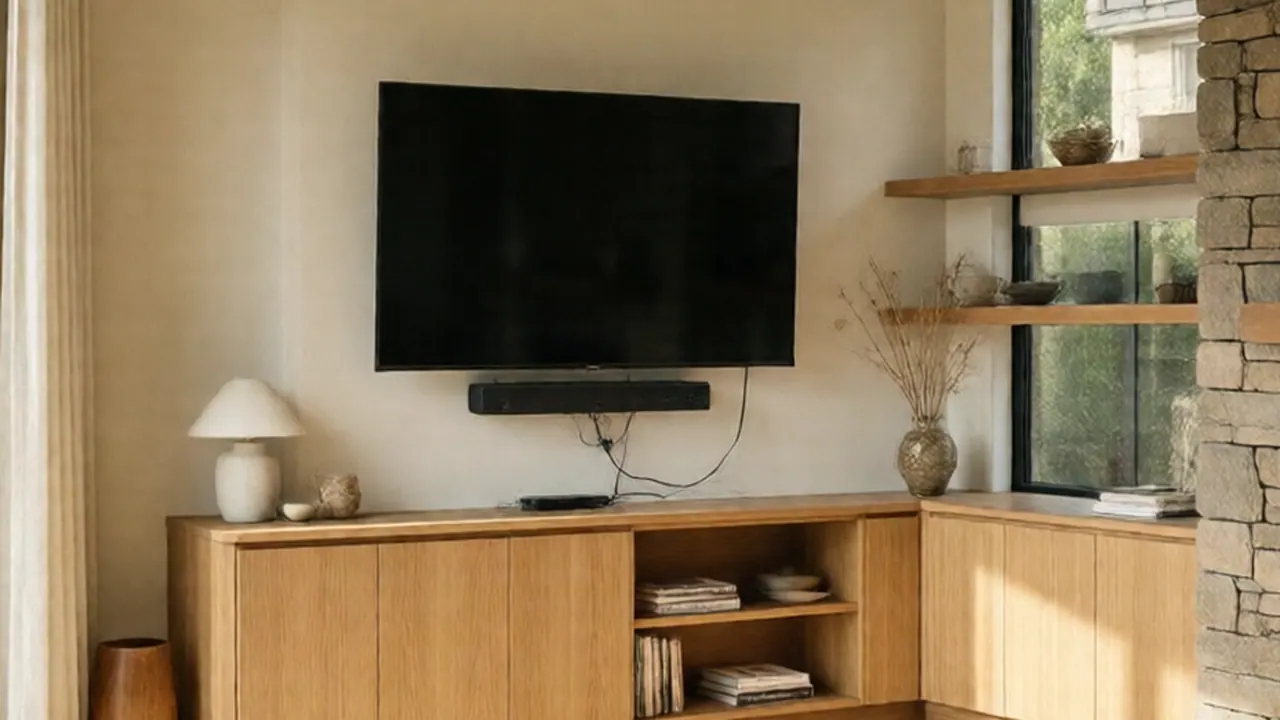
"Bel Air TV series" versus a TV in a Bel-Air house
"Bel-Air" the TV series is the Peacock drama that reimagines The Fresh Prince of Bel-Air. For cast lists, episode videos and fan-written tropes, the show's official page is more reliable than a handyman blog. We install TVs in the real neighborhood, so the rest of this page covers that.
The look people want from a Bel-Air room is a big screen flat on the wall, a clean stone or plaster surface, and no cables in sight. Getting there takes more planning in these houses than in a typical apartment. Walls are thicker, finishes are heavier, and the runs are longer. Here is what we check and why.
What is actually behind a Bel-Air wall
The wall decides the hardware. Before choosing a mount, we work out which of these you have:
| Wall type | Where you see it | What matters |
|---|---|---|
| Plaster over wood lath | Pre-1950 homes | Studs are hard to find; plaster is brittle and cracks if you drill carelessly |
| Drywall, 5/8" | Remodels, media rooms | Standard 16" stud spacing; heavy loads need studs, not drywall anchors |
| Stone or brick veneer | Fireplace walls, entries | The veneer is cladding, not structure; the load must reach the framing behind it |
| Solid stone, block or poured concrete | Retaining walls, some lower-level rooms | Needs masonry bit and sleeve or screw anchors; can't be moved once drilled |
| Stucco, interior or exterior | Patios, covered loggias | Moisture; every hole needs sealant |
Plaster and lath. Plaster can be around an inch thick including the lath, so a standard 2-1/2" lag screw barely reaches the stud. We drill a pilot hole through plaster slowly, with no hammer function, then use a lag long enough to get at least 1-1/2" into solid wood. Toggle bolts in plaster are fine for a small shelf, but not for a TV arm.
Stone veneer. Thin stone veneer sits on a scratch coat over metal lath, and it can crack or spall if you hammer into it. The better approach is to find the framing with a stud finder, then confirm it with a small test hole in a mortar joint. We then drive long structural screws through the joint, not the stone face. Tight dry-stack stone has almost no mortar to hide a hole in, so the mount position has to be decided before any drilling.
Big screens and media rooms: choosing the mount
Photo note: the mount below carries a large screen on a stone-faced wall.
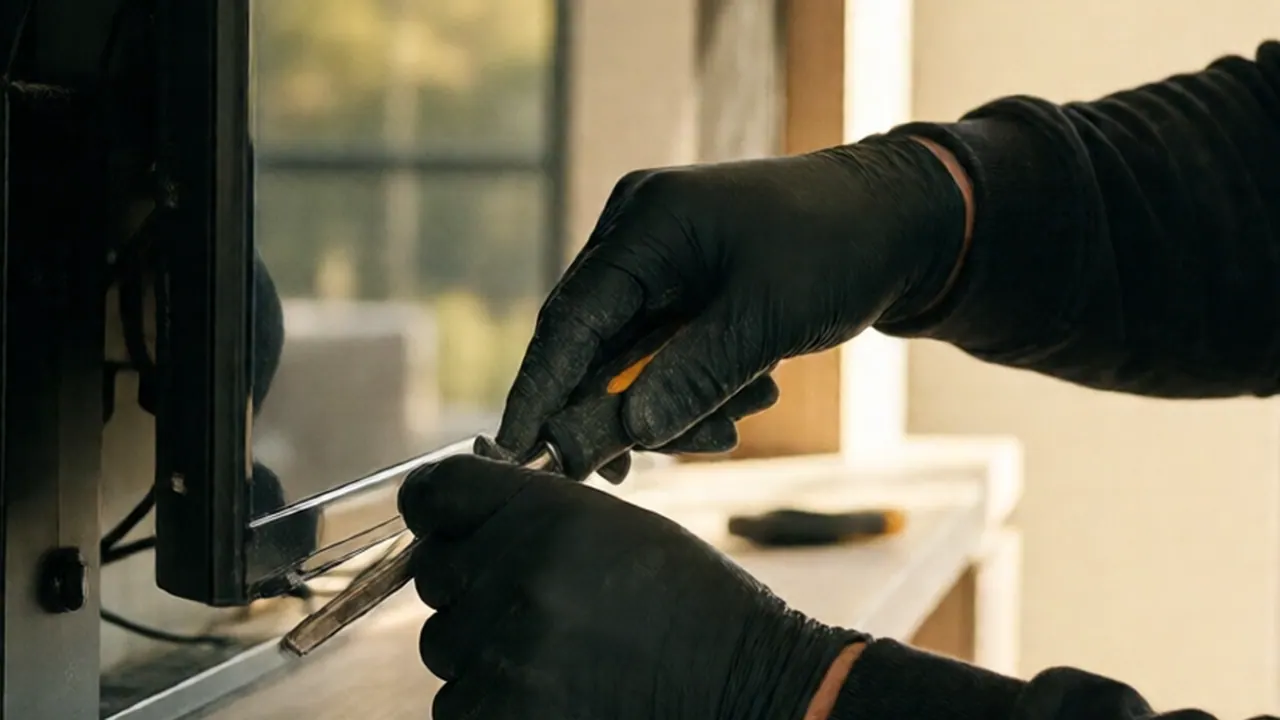
Marking framing behind stone veneer first, so the mount load goes into wood, not into the stone.
Large TVs are heavy and awkward, and the mount has to be rated for them. Check these before you buy:
- Weight on the spec sheet. Use the weight without the stand, and pick a mount rated above it.
- VESA pattern. Many big screens use 600×400 mm. Smaller mounts won't reach the bolt holes.
- Plate width. The wall plate should span at least two studs. On 16" centers, that means a plate wide enough to catch both.
- Arm type. A fixed or low-profile tilt mount gives the flattest look. A full-motion arm suits a corner or an open room, but it puts more leverage on the wall.
Media rooms are usually dark and sealed, so glare is less of an issue. Seating distance and height matter more. The center of the screen should sit near seated eye level, which is lower than most people hang it. A TV mounted high above a fireplace gives you neck strain, so for those walls we usually suggest a pull-down mount or a lower position that still clears the heat.
Check the fireplace first. If the mantel runs hot or the flue is active, ask whether the wall surface stays warm in use. TVs aren't designed for sustained heat.
Getting the wire-free look without shortcuts
A clean wall needs three separate pieces: power, signal and a place to plug in. Here's the order we follow.
- Mark the TV position with painter's tape and confirm sightlines from the main seat.
- Locate framing and anything running through it: wiring, plumbing, ducting. This is where thick plaster and stone make surprises more likely.
- Plan the low-voltage path. Cables go in a separate cutout from power, with a brush plate or recessed plate at each end.
- Install an in-wall power kit (an inlet behind the TV, an outlet at the base) instead of running an extension cord inside the wall. That is a fire risk and not allowed.
- Use in-wall-rated cable for HDMI and network runs. Long hillside-house runs may need an active or fiber HDMI cable, since a plain passive cable can drop signal at length. Look for "Ultra High Speed" on the packaging for 4K.
- Test before closing. Power on, switch inputs, check audio, then fasten the plate covers.
Old plaster walls often have fire blocking or diagonal bracing in the stud bays. If we hit it, we shift the cutout rather than force a path. New power circuits or major electrical changes may need a permit, so check LADBS permits and inspections if you're adding more than a simple outlet.
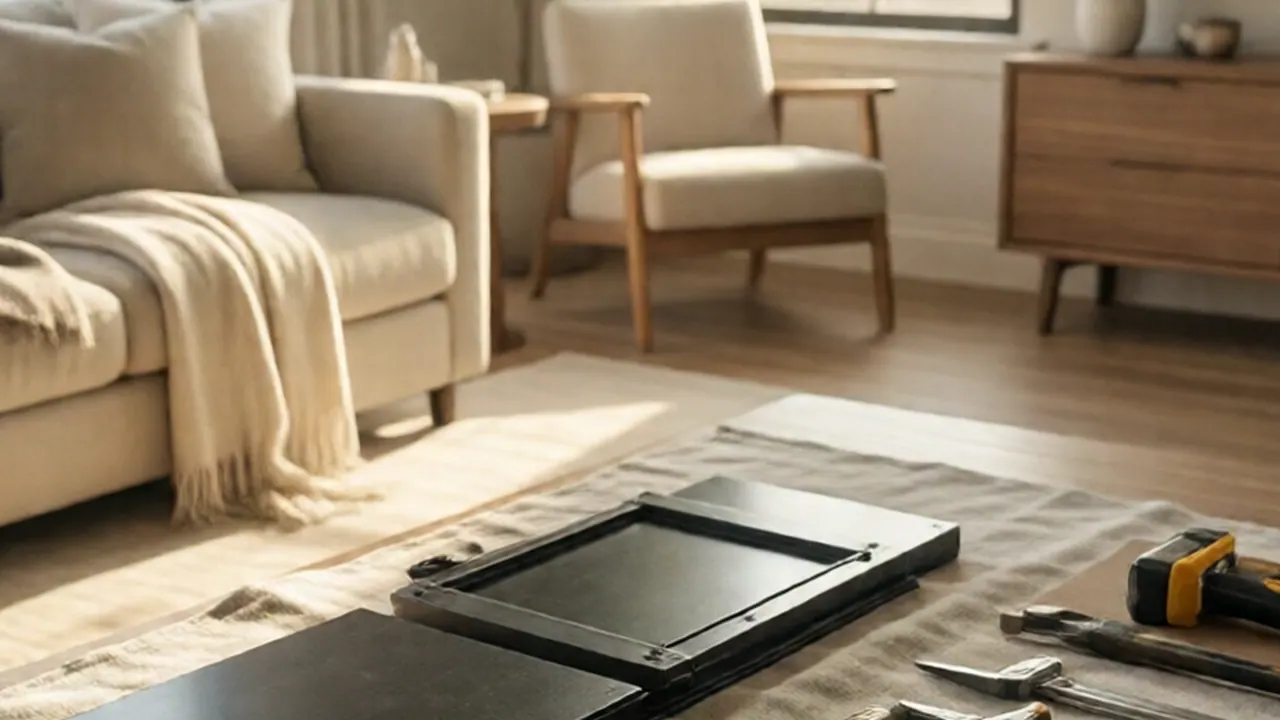
A flush mount with the power and HDMI both routed inside the wall.
Hillside homes: settling, dust and earthquakes
Hillside lots shift, slowly. You see it as hairline cracks at door corners and in plaster seams. For a TV, this means two things:
- Don't anchor to a wall already cracking. If the crack runs close to the mount area, the wall may be moving, and we'd rather shift the TV position than load a failing section.
- Leave slack in cables. A tight cable gets pulled when the house moves. A small service loop behind the TV avoids stress on the ports.
Santa Ana dust is also a real factor. Fine dust collects at TV vents and behind tight mounts. A mount with a few inches of clearance lets you vacuum behind the screen. Don't box a TV into a recessed niche with no airflow.
For earthquakes, the TV on the wall is usually safer than the TV on a console, if the mount is on studs. If you keep a TV on furniture, secure it with straps. Anchor It explains how to secure TVs and furniture, and the Earthquake Country Alliance has a checklist for making a room safer.
When to call a pro
You can handle a small TV on a standard drywall wall with a proper stud finder and a level. Hire a pro when:
- the screen is large enough that you'd need a second person to lift it;
- the wall is plaster and lath, stone veneer, or solid masonry;
- you want cables hidden and power added behind the screen;
- the TV goes above a fireplace or on a wall with cracks;
- the job needs a tall ladder. See OSHA's ladder guidance for safe setup.
At STATOX, we start with a photo. Send a photo for a written quote showing the wall, the fireplace or niche, and where the TV model and wall outlets are. You get one written price. On arrival we confirm the wall type, check for wiring and plumbing behind it, and only then drill. Our tv mounting service covers Bel Air and nearby hillside neighborhoods.
FAQ
Is "Bel Air TV series" about mounting TVs?
No. It is the Peacock drama based on The Fresh Prince of Bel-Air. For its cast, episodes or videos, check Peacock's official page. This article is about mounting TVs in real Bel-Air homes.
Can you mount a TV on a stone fireplace wall?
Usually yes, if the load goes into the framing behind the veneer. Solid stone or masonry needs different anchors. We confirm the construction before choosing hardware.
Will drilling through plaster crack it?
It can if done carelessly. We use a slow pilot hole without hammer action, and we locate studs first so we are not drilling blind.
How do you hide the wires?
Power and signal run in separate paths inside the wall, with an in-wall power kit, in-wall-rated cable and plates at each end. Extension cords never go inside a wall.
Should I mount the TV high above the fireplace?
Only if you rarely sit and watch. Lower is easier on the neck. A pull-down mount lets you move the screen to eye level and keep a higher position when it's off.
Sources
- LADBS permits and inspections
- Anchor It: securing TVs and furniture
- Earthquake Country Alliance: Step 1
- OSHA ladder safety
Permit work: Permit jobs get a written project estimate; permits handled as required.
STATOX Handyman Service · Send a photo · +1 (820) 200-4919
Keep reading
 tv mountingEarthquake Prep for TVs in Los Angeles Homes and CondosLearn earthquake safe tv mounting in Los Angeles: wall mounts, stand straps, and condo tips to keep your screen secure. Read before the next shake.
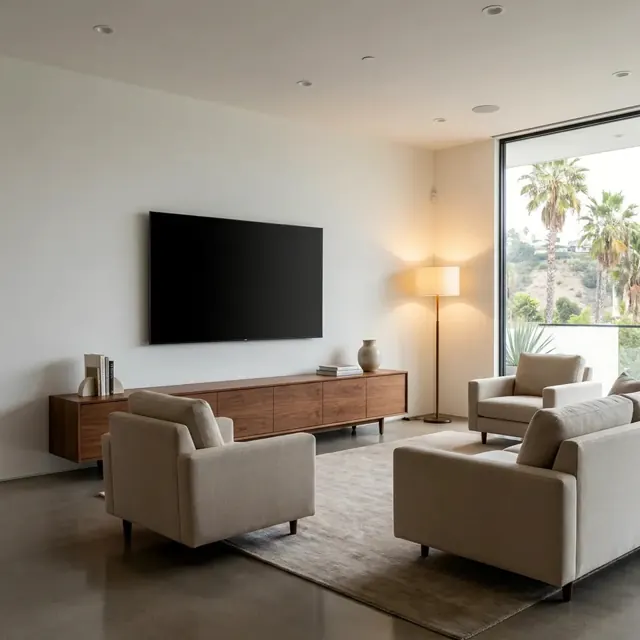 tv mountingHow to Choose a TV Wall Mount: Fixed, Tilt or Full-MotionLearn how to choose a TV wall mount by comparing fixed, tilt and full-motion types for your room, wall and TV, so you pick the right one the first time.
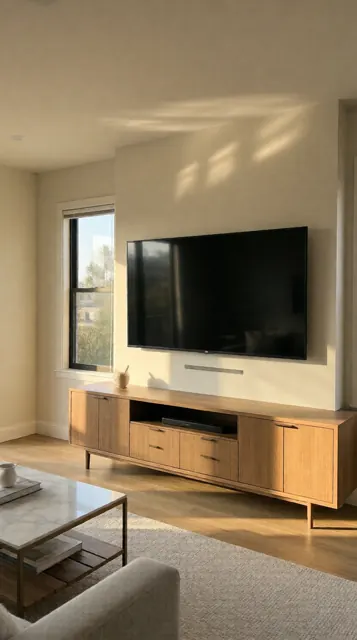 tv mountingHow High to Mount a TV: Height and Viewing Distance GuideHigh mount TV stand or wall bracket? Get the right TV height, viewing distance and tilt for living rooms, bedrooms and fireplaces. Read before you drill.